1
Sign in and set up the team
An Admin creates the team account, invites other users up to the plan's seat limit (5 on Starter, 8 on Standard, or 13 on Department), and assigns roles: Admin, Team Leader, or Negotiator. Each person signs in with email, a strong password, and a 6-digit code.
2
Choose or generate a scenario
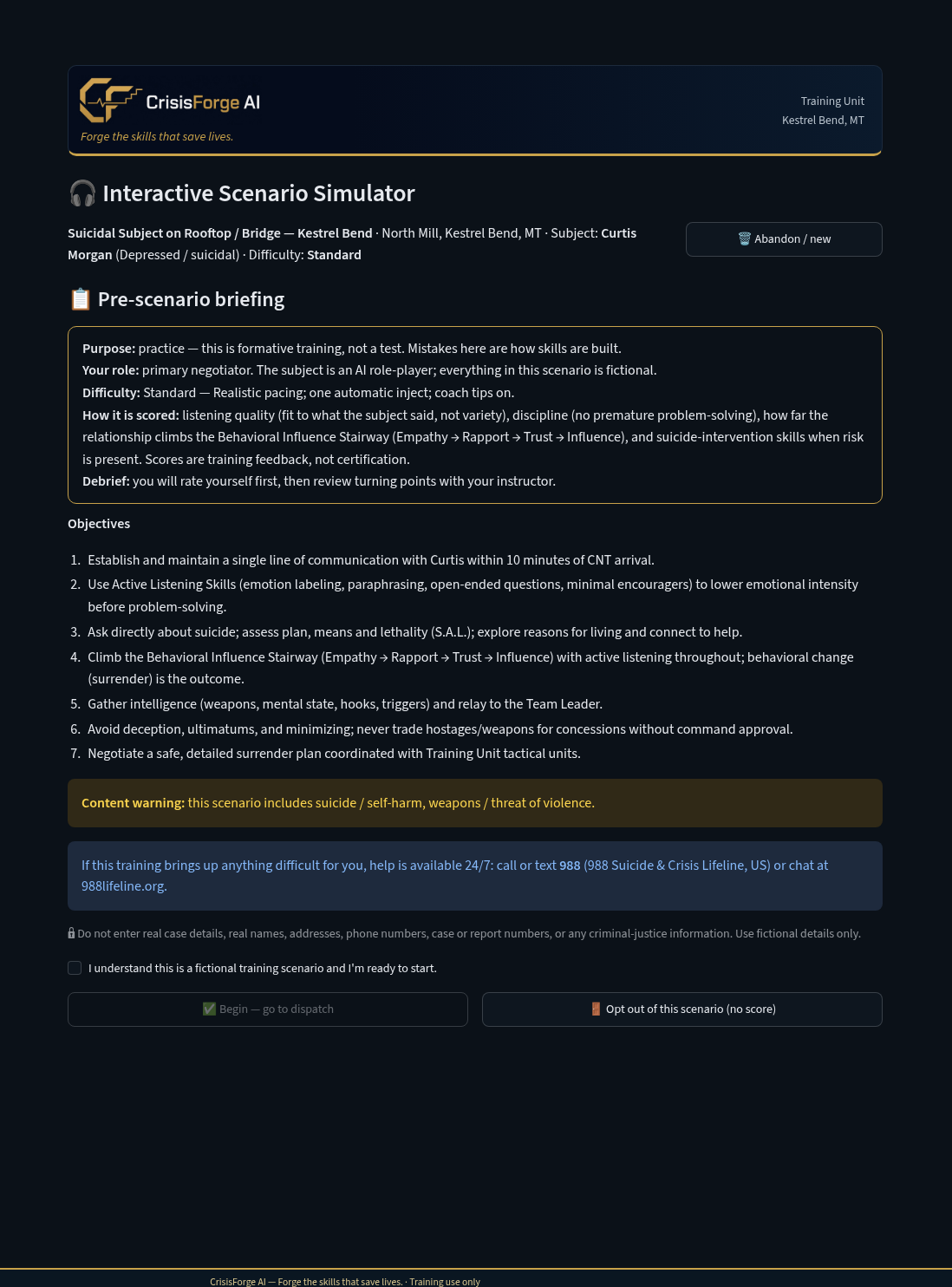
Set a training goal and generate a realistic scenario set in your agency's own area, or browse the library. Reading briefs and browsing the library does not use a scenario from your plan.
3
Arrive on scene and negotiate
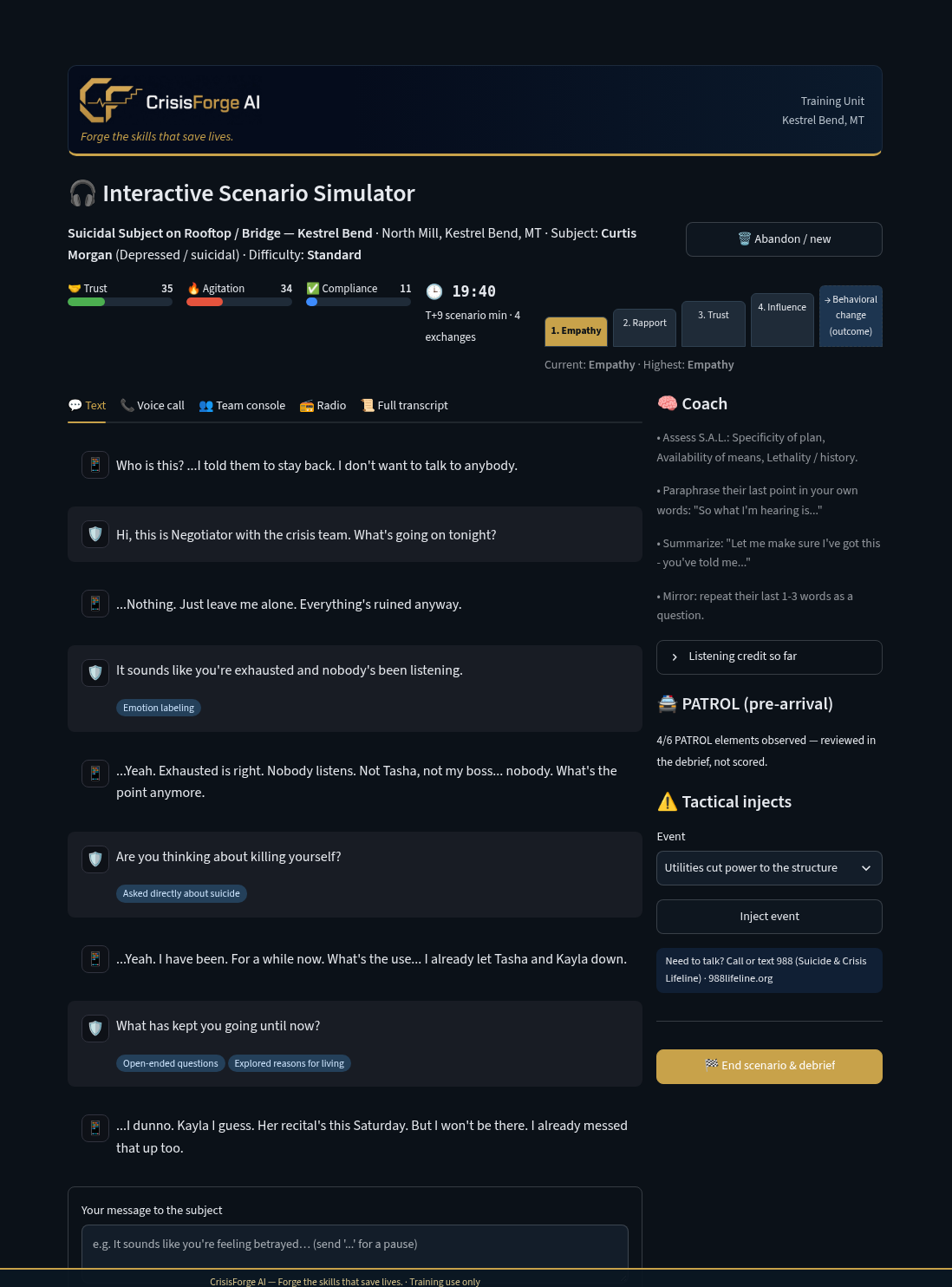
When the team arrives on scene and the negotiation starts, that session counts as one scenario. An AI plays the subject, and the team practices the negotiation live.
4
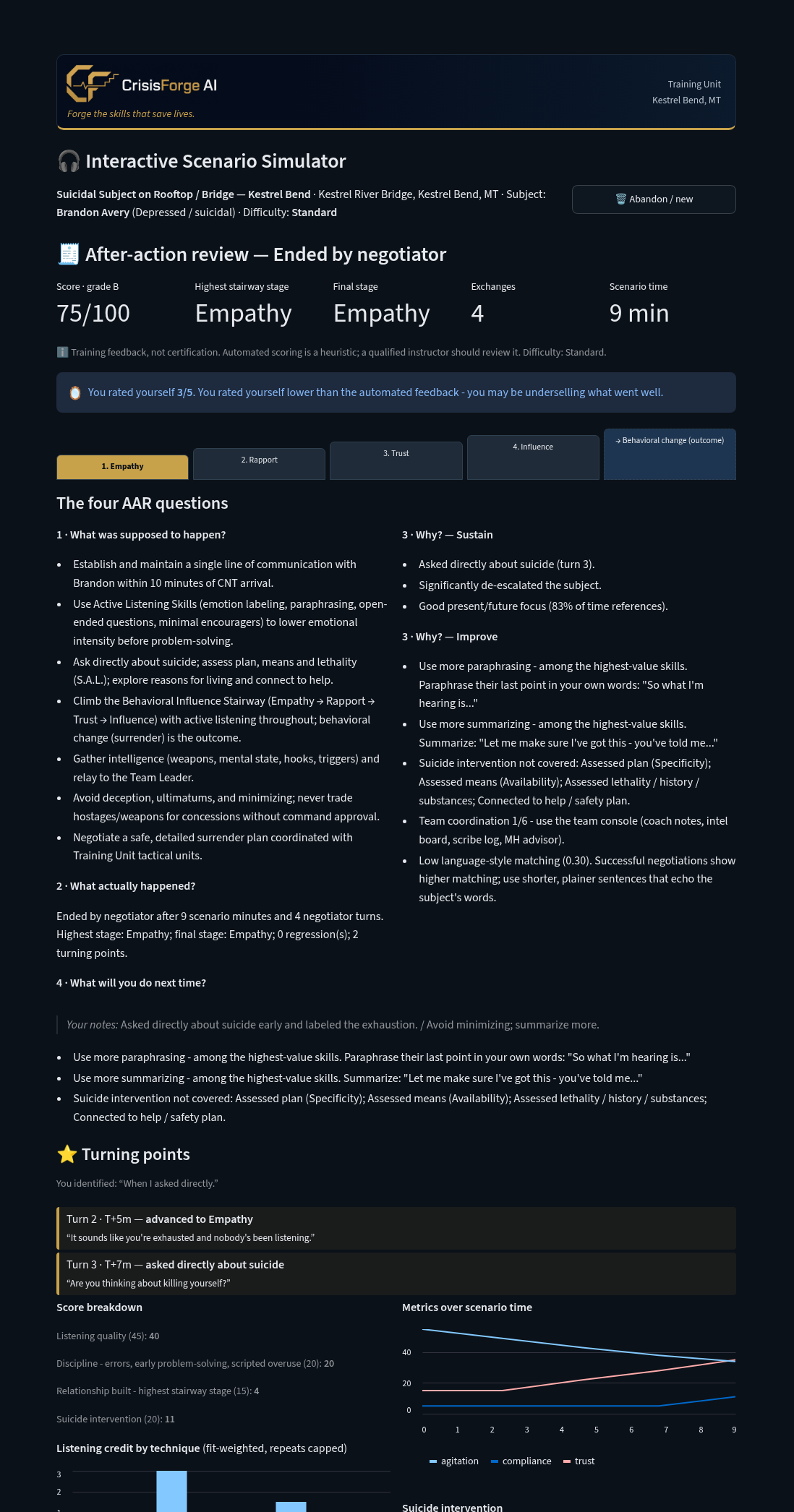
Review the scored debrief
When the session ends, the team reviews a scored debrief and decides what to practice next.